
Canary (v2): if this box is green and dashed, the kb-header CSS is loaded and div classes survived.
Text and headings
A plain paragraph, now a
div.kbx-p instead of a p. Notion puts block per line, so every paragraph is its own block.Paragraph with block color red.
Paragraph with block background yellow_bg.
Paragraph with a line break inside the block
second line after <br>.
second line after <br>.
The line above is an empty block.
Heading 1 (Notion #, rendered as h3)
Heading 2 (Notion ##, rendered as h4)
Heading 3 (Notion ###, rendered as h5)
Heading 4 (Notion ####, rendered as h6)
Heading 2 with color blue
Heading 2 with background purple_bg
Toggle heading 2 (synced as a regular heading)
Content of the toggle heading, shown like any other content.
Toggle block summary (synced as a bold paragraph)
Content of the toggle block.
Inline formatting
Bold, italic, bold italic, strikethrough, underline,
inline code, external link, link to a Notion page, inline math E = mc^2.Text colors: gray brown orange yellow green blue purple pink red
Backgrounds: gray_bg brown_bg orange_bg yellow_bg green_bg blue_bg purple_bg pink_bg red_bg
Combined: bold red, italic on blue_bg, bold underline, italic strikethrough, italic path → italic link → continues,
code link, bold with code inside.Citation1, custom emoji :brokeree:, escaped characters: \ * ~ ` $ [ ] < > { } | ^
Lists
- Bulleted item, level 1
-
Bulleted item with children
- Level 2 item
- Level 3 item
- Level 2 item
- Bulleted item with block color red
- Numbered item, level 1
-
Numbered item with children
-
Level 2 (letters in Notion)
- Level 3 (roman numerals in Notion)
- Level 3
- Level 2
-
- Numbered item, level 1
Numbered list starting at 4, variant A (native
start attribute):- Fourth
- Fifth
Variant B (
style on the ol):- Fourth
- Fifth
Variant C (wrapper
div with a CSS variable):- Fourth
- Fifth
- Unchecked to-do
- Checked to-do
Lists with rich items (excerpt from 07.01 Filters)
Besides the general filters, users may also use filter types which can be put in separate filter groups. The filters inside the group follow AND logic.
-
AccountsA list of accounts and/or groups. Masks
!and*can be applied.Conditions:=Example values:1234 *Group*, !993 -
TimeTime of the server in 24h format. One timestamp per filter.The Time filter compares the specified hours and minutes with MT server’s time as integers disregarding the dates, therefore 23:00 of current day is mathematically more than 02:00 of the next day. See the Usage examples.Conditions:
≥≤>< -
ColorsA list of color titles on the MetaTrader server. Values can be specified in 3 color formats:
-
TextNames of colors as in MetaTrader.
-
RGBUsing underscores instead of commas to separate color channels.
Use one of the online color converters (for example, this one) to utilize RBG or HEX custom color values. -
-
Positions limitValue model: (r)positions count; trading type; aggregation; (r)symbol/security mask
-
Positions count (required)Number of open positions and/or pending orders. Take a look at the example:Positions limit =
≥3;PositionsAction =Reject -
Trading type (optional)Determines which entities to count:
-
Positions (default)Only open positions
-
AllPositions and pendings altogether.
-
Conditions:=≠≥≤><2 3;All 4;Positions;SymbolMask;*EUR*❗Exposure is calculated for instruments only when it is possible to convert position’s volume into account’s deposit currency.
See more details at MetaQuotes docs -
Quotes and callouts
A quote block (Notion > text).
Multi-line quote, line 1
line 2
line 3
Quote with color blue (color on a wrapper div).
➡️
As Admin/Staff: Providers → Provider #
As Client: Manage → My Providers → Provider #
As Client: Manage → My Providers → Provider #
ℹ️
NOTE: Callout with gray_bg, the most common one in our docs.
Callout without an icon.
💡
Callout with several children:
- a bullet
- another bullet
A second paragraph with
inline code.⚠️
yellow_bg
✅
green_bg
❗
Callout with text color red (no background)
Code and equations
// Counts the active rules of a group
public static int Count(string group)
{
    return group == null ? 0 : 42;
}
{
  "Server": "127.0.0.1",
  "Port": 3306
}
Plain text code block without a language
  indentation and <tags> are kept literally
\sum_{i=1}^{n} i = \frac{n(n+1)}{2}
Tables
Header row (the common case). Notion column widths 180px and 120px as
style on the header cells; the last column takes the rest.| Field | Type | Description |
|---|---|---|
Login |
uint64 | Trading account login. Required. |
Group |
string | See groups. Masks ! and * can be applied. |
Header column. Widths as the
width attribute on the first row's cells.| Server | 127.0.0.1 | Address of the MySQL server. |
|---|---|---|
| Port | 3306 | Default port; can be left blank. |
Header row and header column, no widths (the browser sizes the columns by their content).
| Mode | Hedged | Total |
|---|---|---|
| Buy $10000, Sell $6000 | $4000 | $16000 |
| Buy $5000 | $5000 | $5000 |
Rich text in cells, no header.
| Bold, italic, both | strikethrough, underline, code, link |
| red text, yellow_bg | Line one line two in the same cell Constantin M |
Layout
Divider below:
Column 1 of 2
Equal width columns.
Column 2 of 2
- a bullet in a column
25%
50%
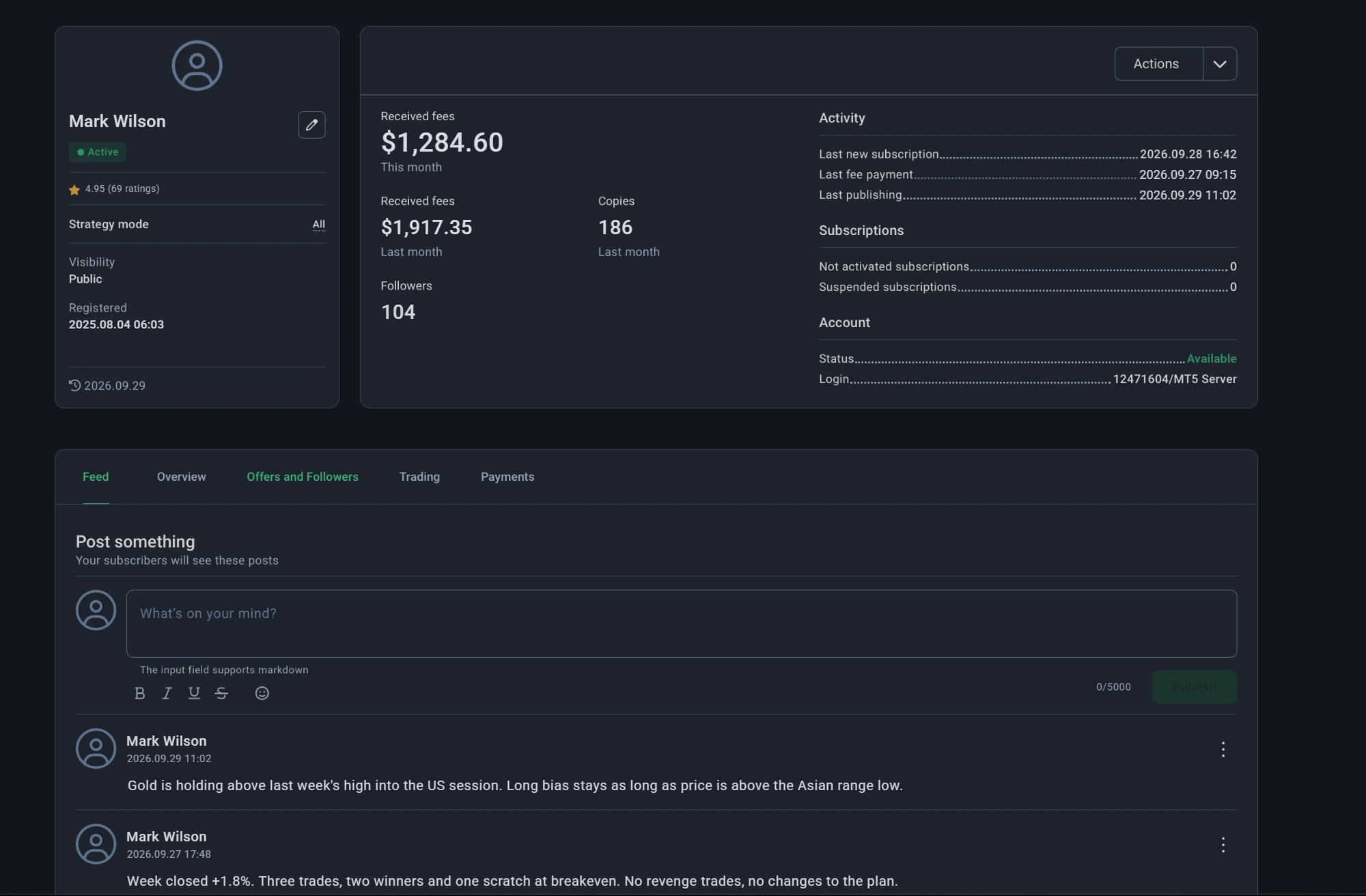
Image in a column
25%
Images

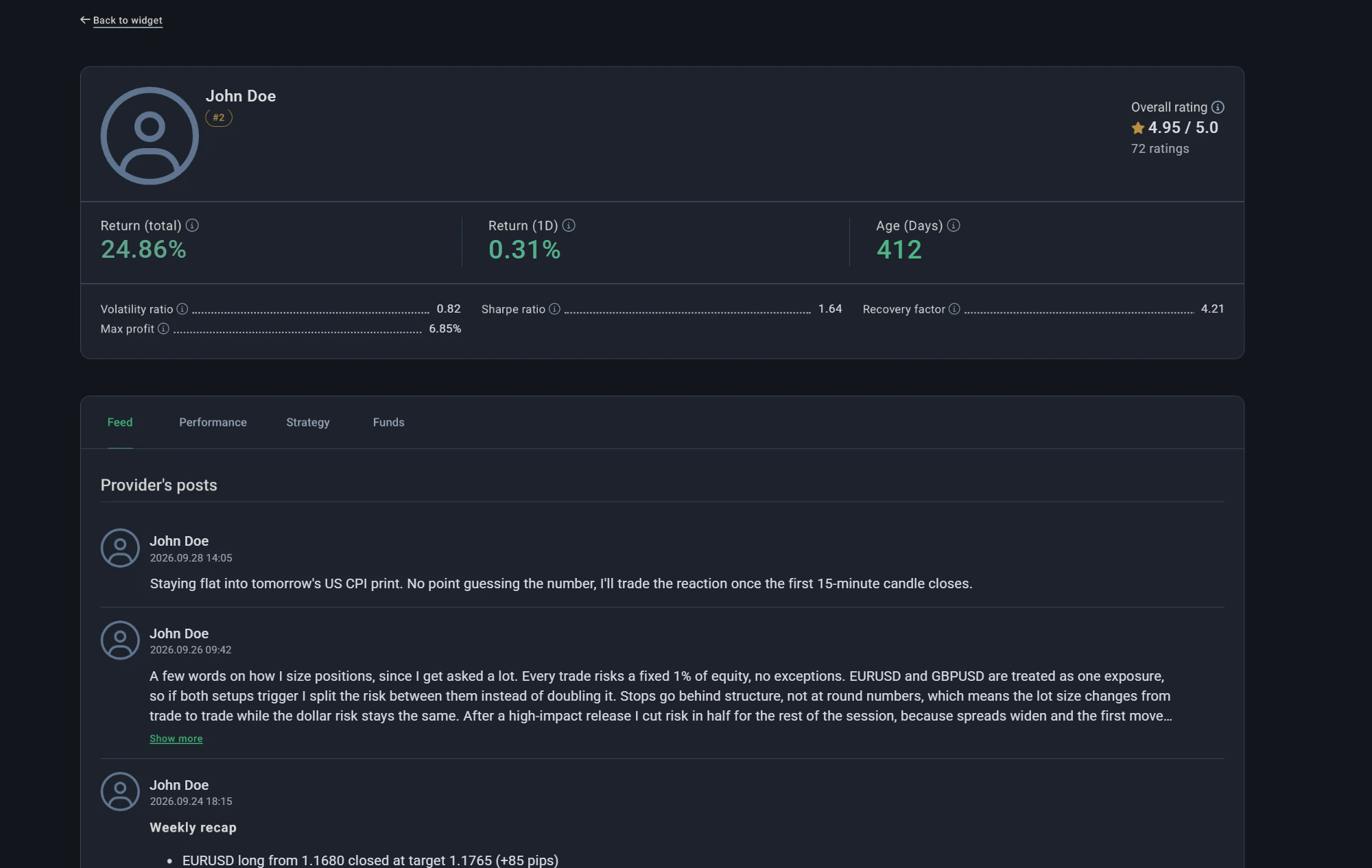
Image caption with italic text
Probes
Things the next contract depends on. Each line names what to look for in the GET response.
Heading with an id (look for id="kbx-probe-heading")
Div with a data attribute (look for data-kbx-probe="div-data")
- List item with a style attribute (look for style on this li)